
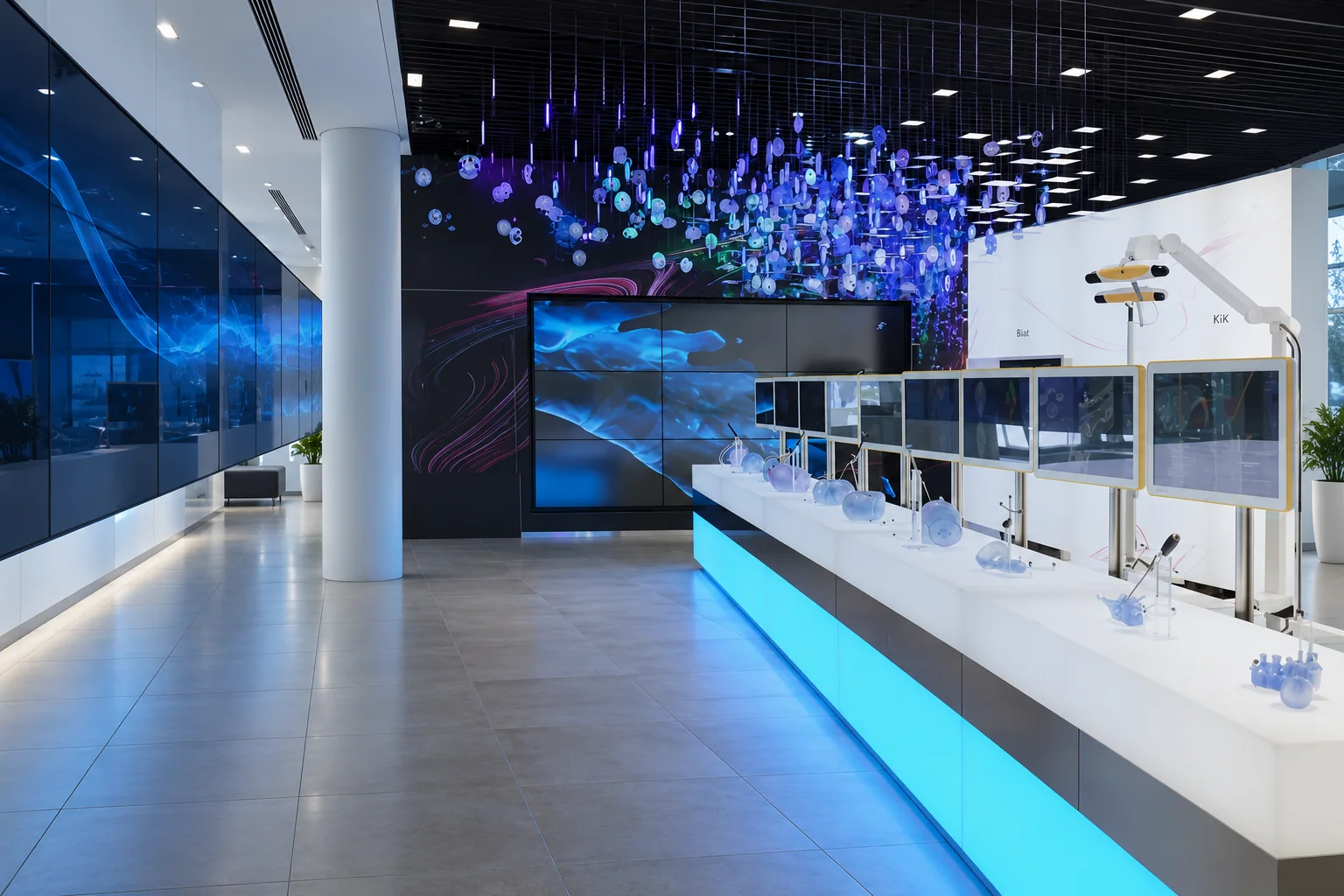
Clinical & Technical Training
Operator and biomedical engineer training on supplied systems.
Train for the equipment and the role
Plan training around the delivered device configuration and the staff who will use, clean or support it. Clinical operators, department superusers and biomedical engineers need different learning objectives. A single demonstration does not automatically cover every role or every shift.
Identify the equipment model, software version, installed options and accessories before setting the agenda. Use the current manufacturer instructions as the reference for operation, routine care and device-specific handling. Separate operator familiarization from specialist service training, and state which is included in the scope.
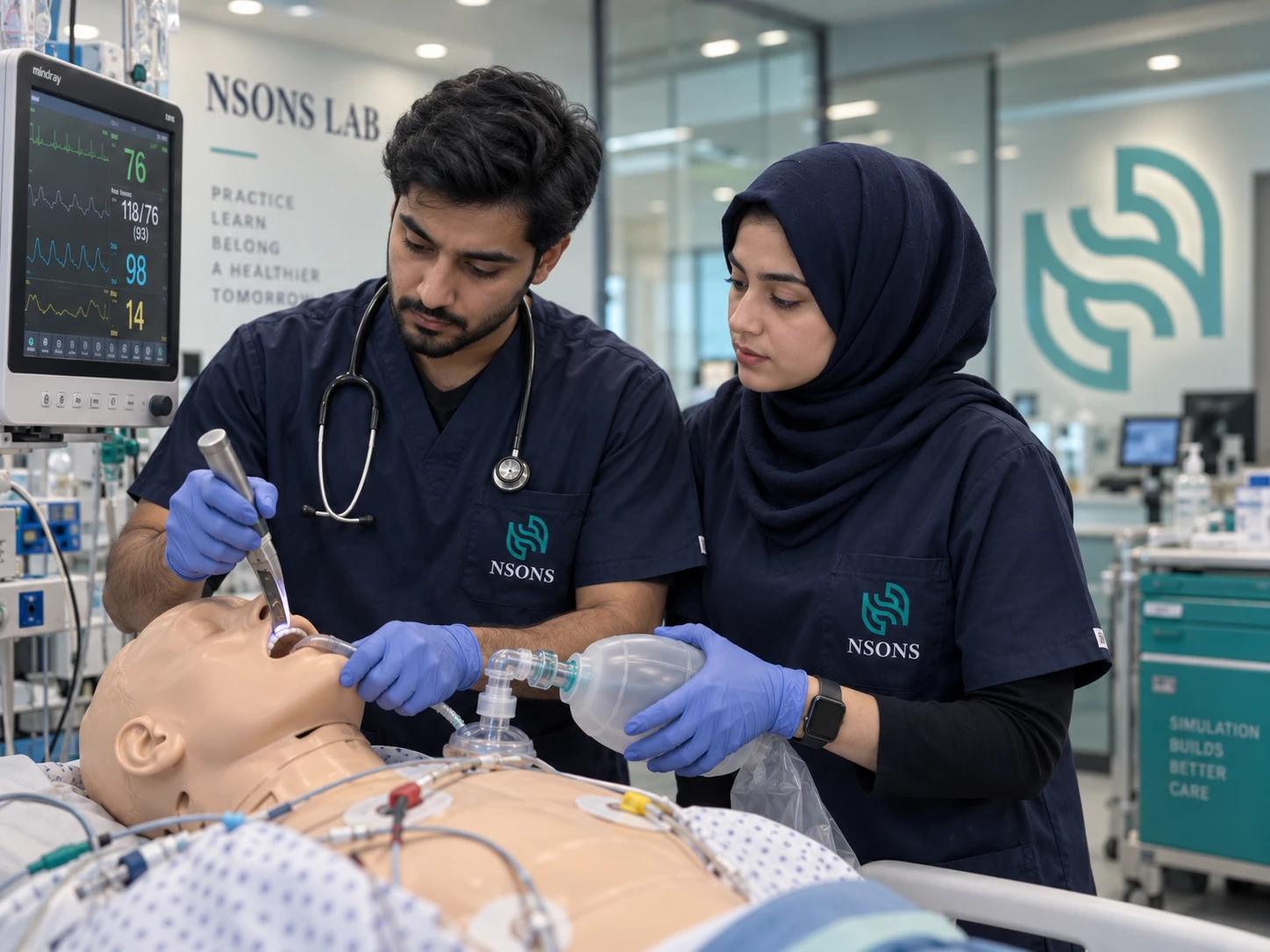
Build the training brief
- Audience: department, role, existing experience and the number of participants on each shift.
- Equipment: delivered configuration, available demonstration systems and the location of the sessions.
- Objectives: setup, normal operation, routine checks, cleaning, accessory handling and escalation of device issues.
- Format: demonstration, hands-on practice, supervised sessions and the assessment method selected by the hospital.
- Records: attendance, material version, topics covered and any follow-up actions.
Give each group the right focus
| Group | Session focus |
|---|---|
| Clinical operators | Device workflow, setup, routine operation and recognizing when to seek support. |
| Department superusers | Configuration familiarity, local support workflow and onboarding additional users. |
| Biomedical and technical staff | Asset records, approved routine checks, maintenance boundaries and service escalation. |
| Cleaning and stores teams | Manufacturer handling instructions, accessory identification and storage requirements relevant to their role. |
Protect attendance across shifts
Group staff into cohorts that match the room capacity and the practical time available on the device. Schedule repeat sessions for teams who cannot be released together. Count follow-up rounds separately: refresher sessions, newly appointed staff and a software or configuration change can create different training needs.
The cohort planner converts participant numbers into sessions and delivery hours. It also shows staff learning time, which helps department managers plan release from normal duties. The figures are capacity estimates; they do not certify competence or replace the hospital’s assessment process.
Close the loop after the session
Keep the attendance record with the equipment handover documents. Record the material version and unresolved questions so that later users know what was covered. Assign a local contact for follow-up and identify which team owns competency assessment, refresher scheduling and device configuration changes.
For an enquiry, send the model list, departments, participant numbers, preferred dates and training objectives. State whether sessions are required at commissioning, after a software change or as part of an ongoing support programme. This allows the training scope and travel requirements to be quoted clearly.
Training cohort and delivery planner
Move the sliders to plan your requirement. Use hospital records or quoted costs for your purchasing discussion.
k = thousand; m = million; b = billion.
Your estimate
Adjust the figures for your requirement.
Take the estimate with you
How this estimate is calculated
Cohorts = ceiling(staff ÷ seats per session). Sessions = cohorts × training rounds. Trainer hours = sessions × duration. Staff learning time = staff × rounds × duration.
Each round gives every participant one seat. Plan staff release by shift separately; the estimate does not establish clinical competence. Add supervised practice and assessment time to the duration if included in the training scope.
Initial figures are an illustrative example. Adjust them to your requirement before discussing a purchase.
Request a quotation
Send your specification, bill of quantities or tender document. Our team responds with a formal quotation and availability.